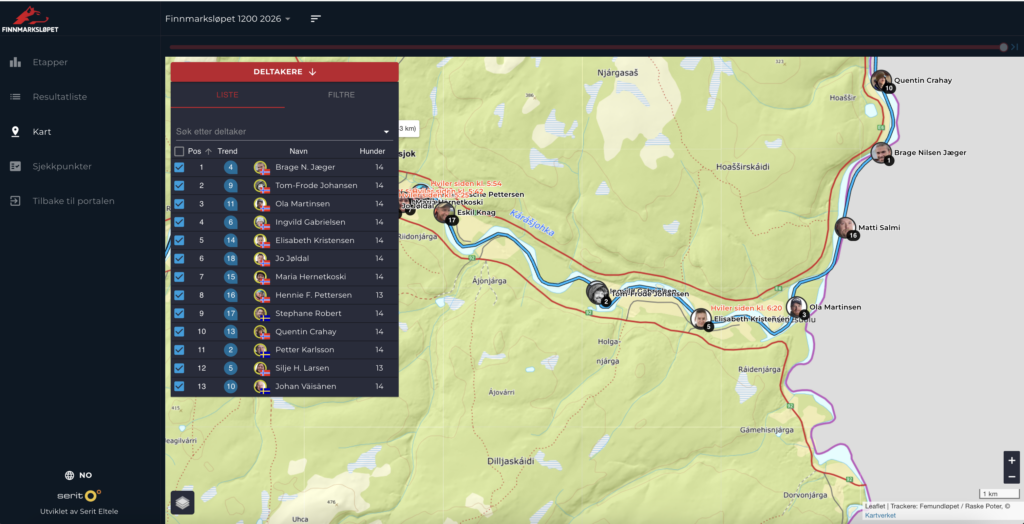
If you want to follow Finnmarksløpet 2026 via the GPS tracking, here is how to find it:
- Go to finnmarkslopet.no and on the front page select the red button called “Result Service”
2. If you cannot see the 2026 results list yet: at the top left you can select the year. If you only see a black screen it will say “Select a race” here.
3. To access the GPS tracking, select “Map” in the list on the left side.
4. You should now arrive at the payment page. After completing the payment you will receive an access code and can follow the races via GPS.
Having problems? Contact us on Facebook and we will help you further!